Browsing by category
The sixteen shelves below use the same categories as the home page. Each opens the corresponding product catalogue; womenswear is a keyword search. KameyMall’s older category tree describes its own service and is not the navigation used here.
Shoes go wrong on size. Home goods go wrong on volume. Beauty goods go wrong at the shipping line. Knowing which failure belongs to which category is worth more than any seller recommendation.
Use the product pictures to choose a shelf, then read the buying notes for the checks that matter in that category.
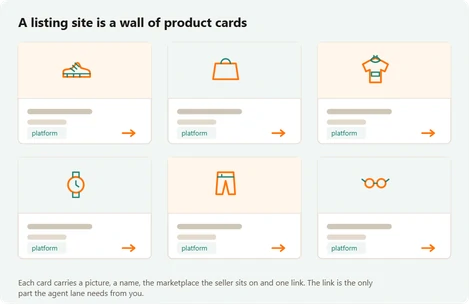
All sixteen product categories
These sixteen direct entrances match the home page. Start with the item you want, then use the buying notes below to check its size, seller and parcel requirements.
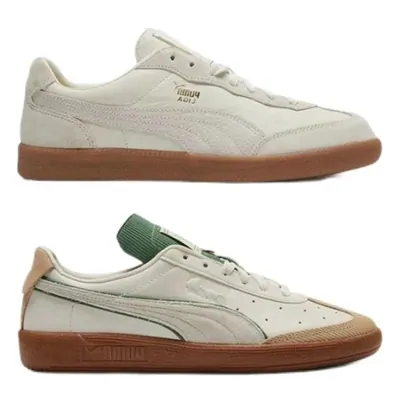 SneakersRecord the seller’s exact size option before importing the shoe link.
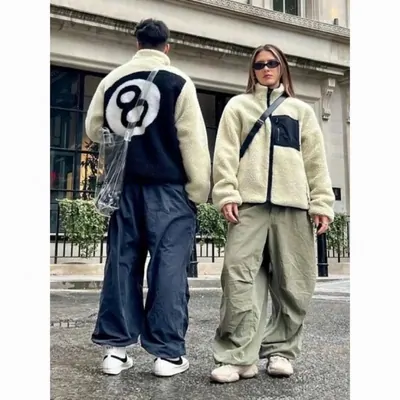 Jackets & coatsUse the garment dimensions and packed bulk to plan the order.
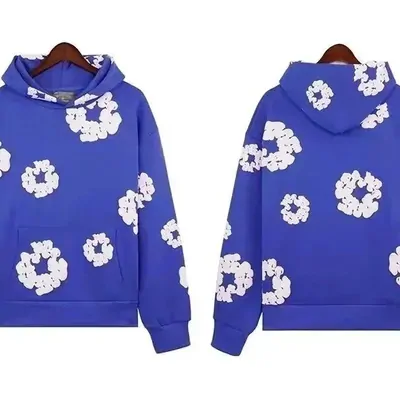 HoodiesCheck whether a thick lining is a separate option on the listing.
 T-shirtsReview print, colour and size on the rebuilt product page.
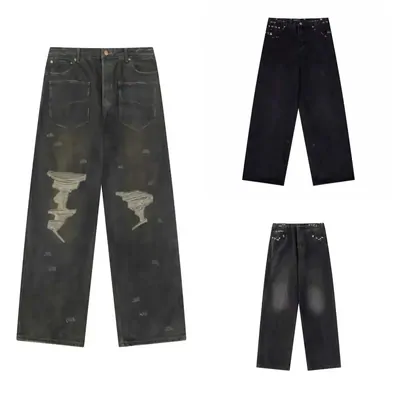 JeansCompare waist and inseam using the seller’s measuring method.
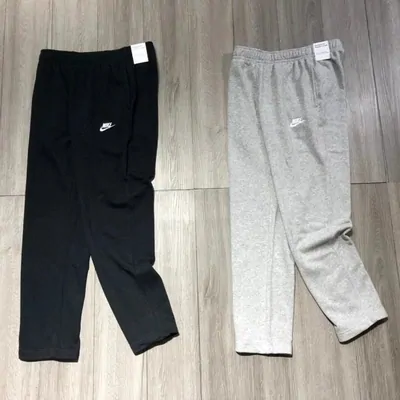 SweatpantsCheck whether the listed waist is relaxed or stretched.
 WomenswearThis opens a women keyword search rather than an official KameyMall department.
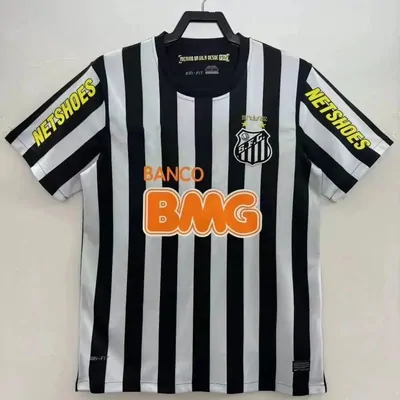 JerseysConfirm custom lettering before approving a personalised order.
 BagsAsk about structural support before removing a bag’s packaging.
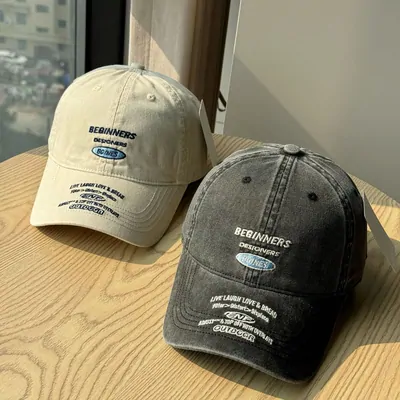 HatsHead circumference and crown depth need more than a cover photograph.
 BeltsConfirm length and buckle option when the agent imports the listing.
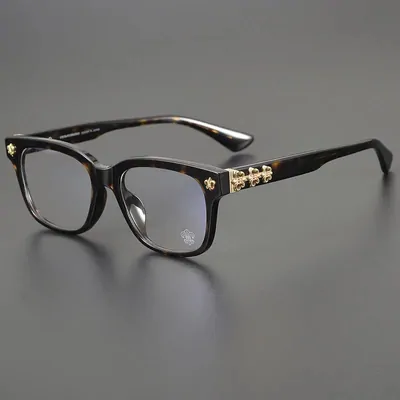 EyewearA warehouse picture can show a frame, not verify every lens claim.
 PerfumeRoute acceptance for liquids comes before the first payment.
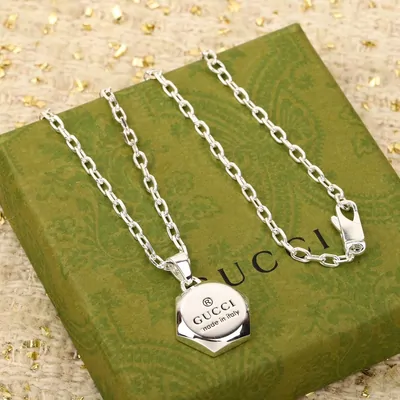 JewelryCheck material claims and conditions attached to a customised piece.
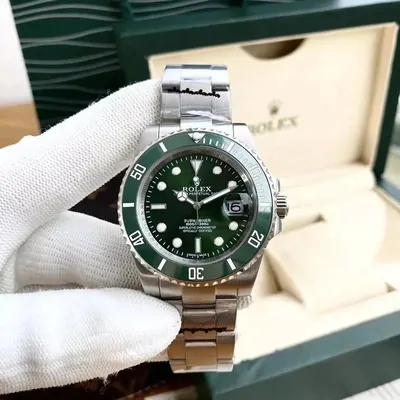 WatchesRead the movement specification and any battery-related shipping restriction.
 ElectronicsConfirm voltage, plug, compatibility and carrier rules for the model.
When an item falls outside these shelves
A category is a discovery aid, not permission to ship. Special-use goods, food, liquids, batteries and fragile items need a route check before purchase. If the catalogue does not have a clear shelf for your item, use a precise search and check the product itself.
What each category costs you when you get it wrong
The same order, read three ways. This is our own summary of what actually happens, built from the mechanisms KameyMall publishes rather than from any rate card.
| Category group | What decides the freight | The mistake that costs most |
|---|---|---|
| Shoes and outerwear | Weight or parcel volume, depending on the route | Ordering by label size |
| Bags, cases and toys | Check both parcel volume and actual weight | Ignoring the dimensions |
| Small accessories | Minimum parcel charge and total weight | Sending it alone |
| Electronics | Weight, plus route restrictions on batteries | Assuming the plug and voltage match |
| Beauty and liquids | Route acceptance before anything else | Ordering before checking the route |
What to do with a category you have chosen
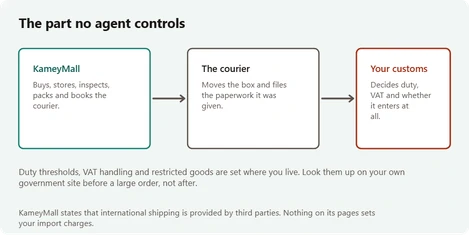
Build the shortlist around what you need. Combining items may reduce repeated minimum freight charges, but a larger parcel can change the billable weight, available routes and restrictions. Compare a combined quote with separate parcels once the warehouse has the dimensions.
Then read the ordering walkthrough, because the decisions that cost money are all made on two screens and both of them go past quickly.
How to spot a spreadsheet site that someone still maintains
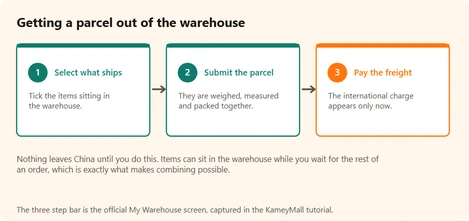
Spreadsheet sites look alike from outside: a grid of product photos, a search box, a promise. Five checks separate one that somebody maintains from one that was built once and left. Run them on us as well.
- Open three category links at random. A maintained site lands you on a page of products in that category. A neglected one lands you on a home page, a chain of redirects or an error. We opened all sixteen of our shelf links on 20 October 2026 and each one landed on its own category or search page.
- Look for dates. A change log with a date on every entry tells you how stale everything else might be. Ours is the What changed page.
- Look for a source behind each number. A fee or a delivery time with no source and no date is a guess wearing a number.
- Distrust rankings. No listing site can measure a seller's honesty or an agent's speed in a way you could repeat. A star score or a numbered list with no method behind it was made up by whoever typed it.
- Check who pays for it. A site should say in plain words how it is funded. Ours does on the About page.
Dead links are the quickest tell of all. A site that leaves them up has stopped looking at its own pages, and everything else on it has probably stopped being checked at the same moment.
